
AI-Augmented Architecture with GitHub Copilot and Sparx EA
After this course your architects can build models from spreadsheets and documents, trace what a change affects, and check the repository against your standards, all from inside VS Code, with the GitHub Copilot your organization already licenses. A private course, taught on your own repository and standards.
What the course builds
Your architects already have Copilot, and the tool is the same for every team. What differs is the person using it: stating the intent, setting the standard and judging what comes back. That person is the variable, and their skill is the one the course builds, on your live repository.
Choose it if VS Code is where your architects work
Your organization already licenses GitHub Copilot, and your architects work in VS Code all day. It suits technical and solution architects and systems engineers who want architecture work beside the code and configuration it describes. The course puts most of its time on modeling, analysis and governance.
Not sure which AI fits your team? Compare the AI options for Sparx EA
Module by module
State your intent, then judge the result
You learn to say what you want, what standard it must meet and what good looks like, and to read what comes back critically. Your first guided task runs end to end on your repository, with Copilot already connected.
Model from intent instead of drawing by hand
Today an architect keys in elements and draws each diagram. AI-augmented, you describe the model you need, from an inventory, spreadsheet or document, in your MDG, and judge the result.
You also learn to design the experience: what a stakeholder should find when they open the model and how they drill down. You state that intent and AI builds the navigation diagrams and keeps them current.
Ask the right question about impact and standards
Today tracing the impact of a change and checking the model against your standards are slow, so they happen rarely. AI-augmented, you frame the question, AI does the tracing and checking, and you decide what the findings mean.
Decide what each audience needs, and keep the habit
Today stakeholders wait for a report. AI-augmented, you decide what each audience needs to know and say so, and AI produces the business-readable output. We then build the working habits that make this stick after the training ends.
Built on your context, finished with real work
Before we begin, we meet with your architecture leader to learn your tools, processes, repository structure and prioritized use cases. We then tailor the course to fit, so your architects learn AI-Augmented Architecture the way your practice actually works.
You leave with a portfolio of real work produced on your own repository during the course, and the habits to keep going. Your architects decide what should be done; AI does the mechanics.
Frequently asked questions
Do we have to leave VS Code?
No. The course is taught inside the editor your team already uses, so architecture work happens alongside the code and configuration it supports.
What do we need before the course?
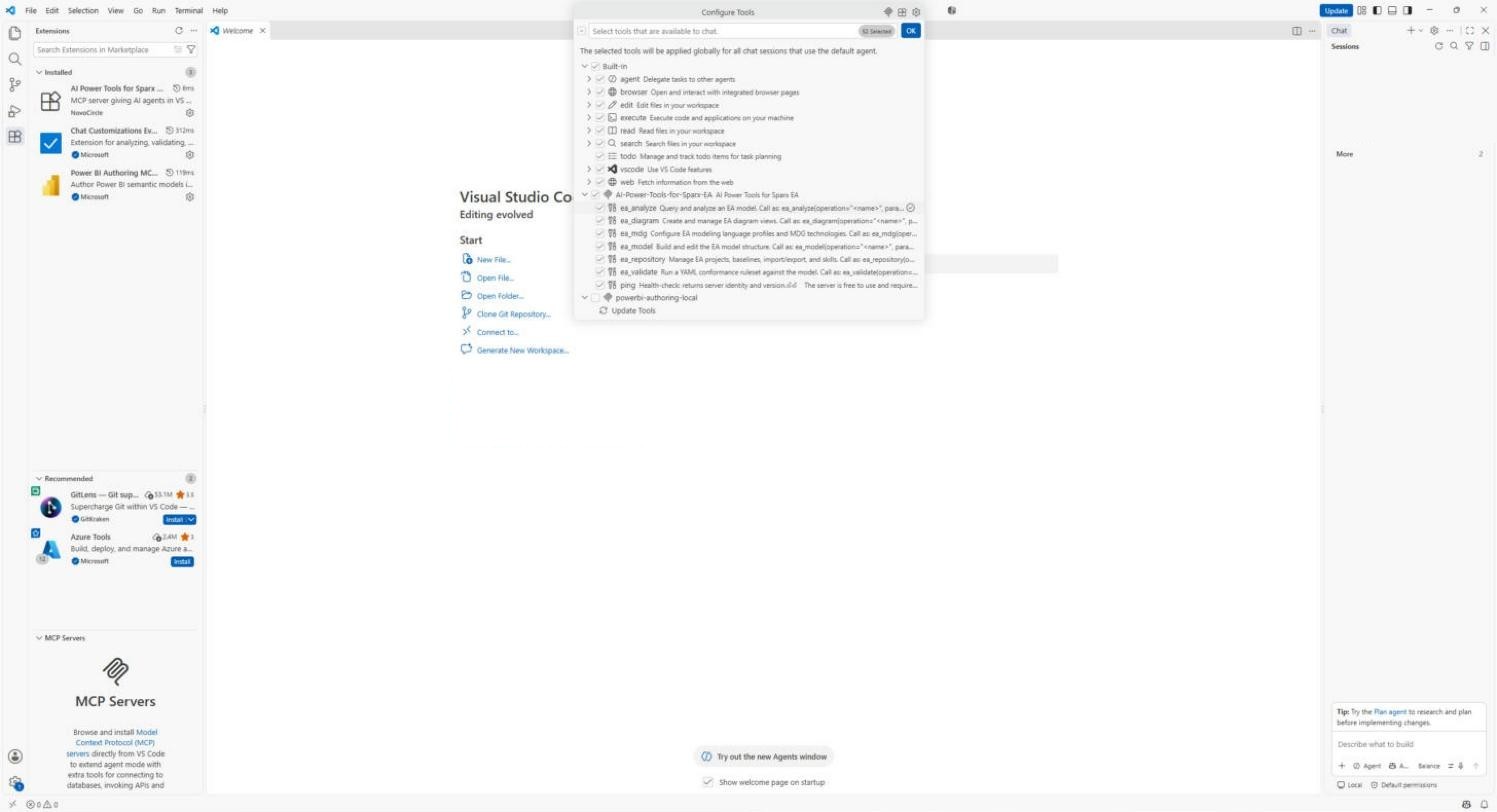
A working Sparx EA installation on Windows, and VS Code with a GitHub Copilot license that your organization permits. AI Power Tools for Sparx EA is free from NovoCircle; we install and connect it with you before the course, so beyond your Copilot license there is nothing to buy. If your organization restricts VS Code extensions, we agree the route during scoping. We confirm prerequisites during scoping; if your repository needs preparation, we'll tell you.